Examples · 22-fixture corpus
What the corpus actually renders.
Eleven pages from the regression corpus, rendered by the Evaluation build. The faint diagonal mark across each one is the Evaluation watermark.
Rendered by XML2PDF Core 1.0.0 Evaluation from tests/fixtures/corpus/ — watermark included. Click any page for the full-size file.
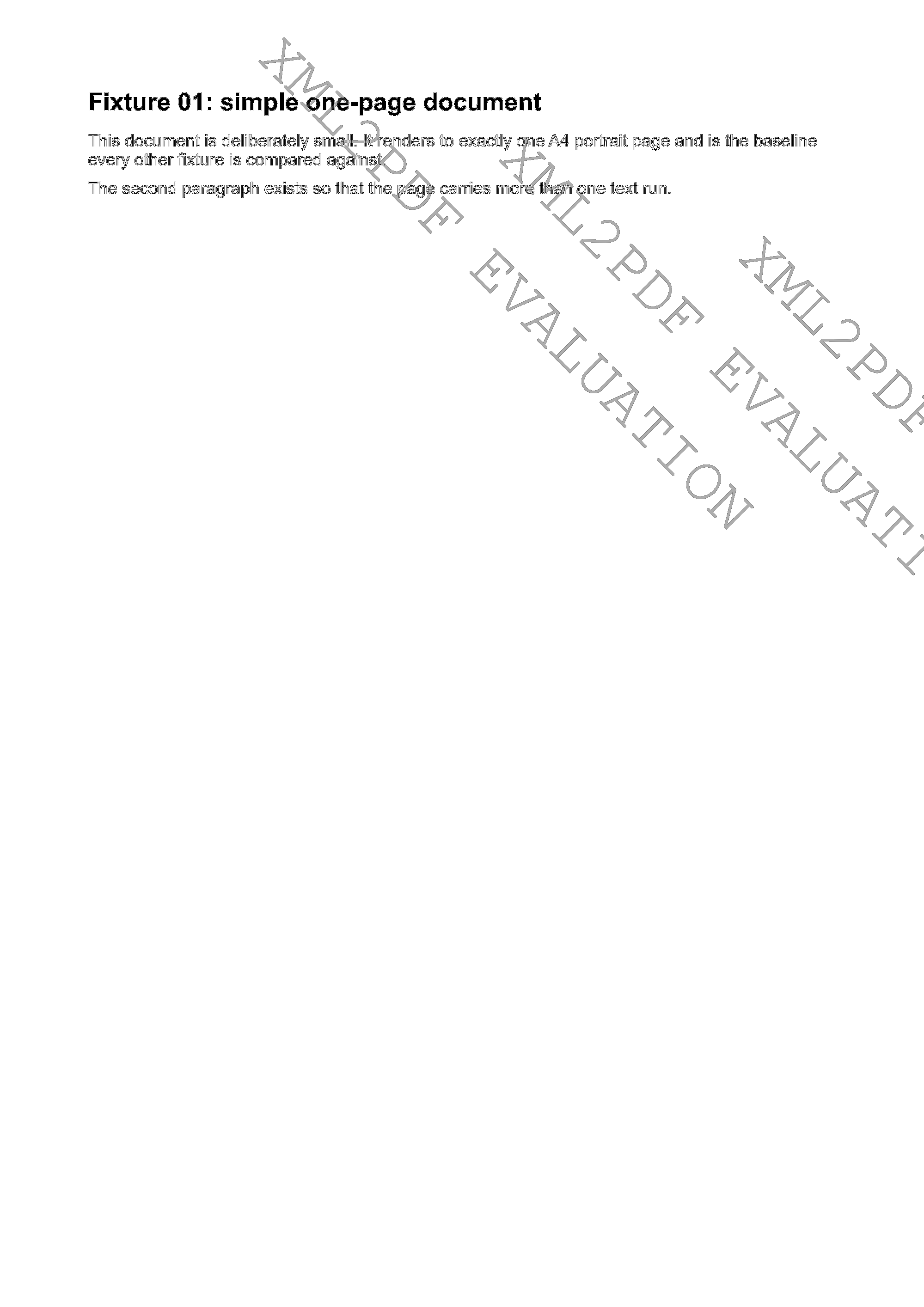
A4, single page
One portrait page: heading, body text and a short table, from the simplest fixture in the corpus.
- Fixture
- 01-simple-a4.fo
- Page shown
- Page 1 of 1
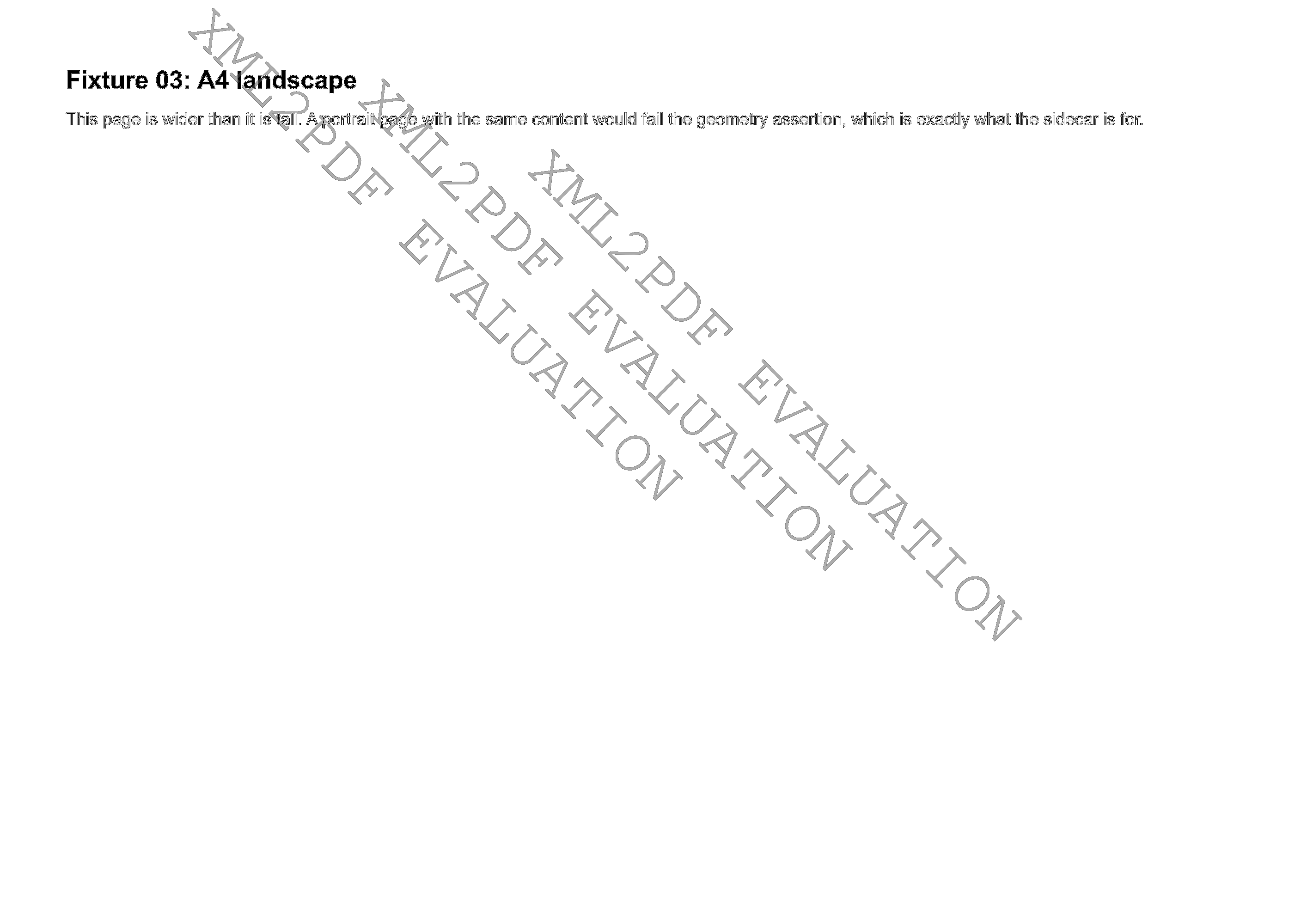
A4 landscape
The same page geometry turned on its side, with the full measure available to the flow.
- Fixture
- 03-a4-landscape.fo
- Page shown
- Page 1 of 1
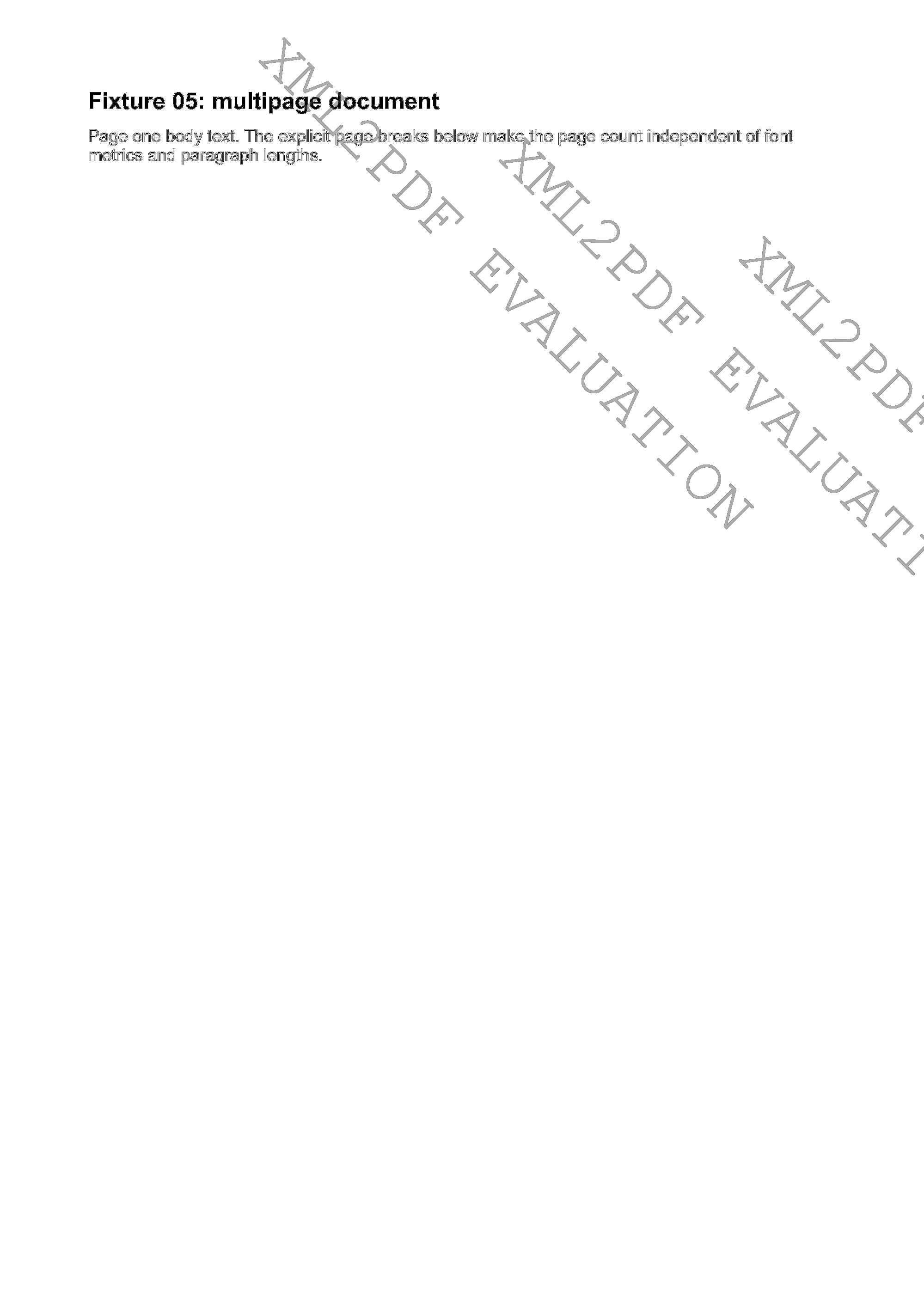
Multipage flow
Body content flows across three pages; the page number resolves in each footer.
- Fixture
- 05-multipage.fo
- Page shown
- Page 1 of 3
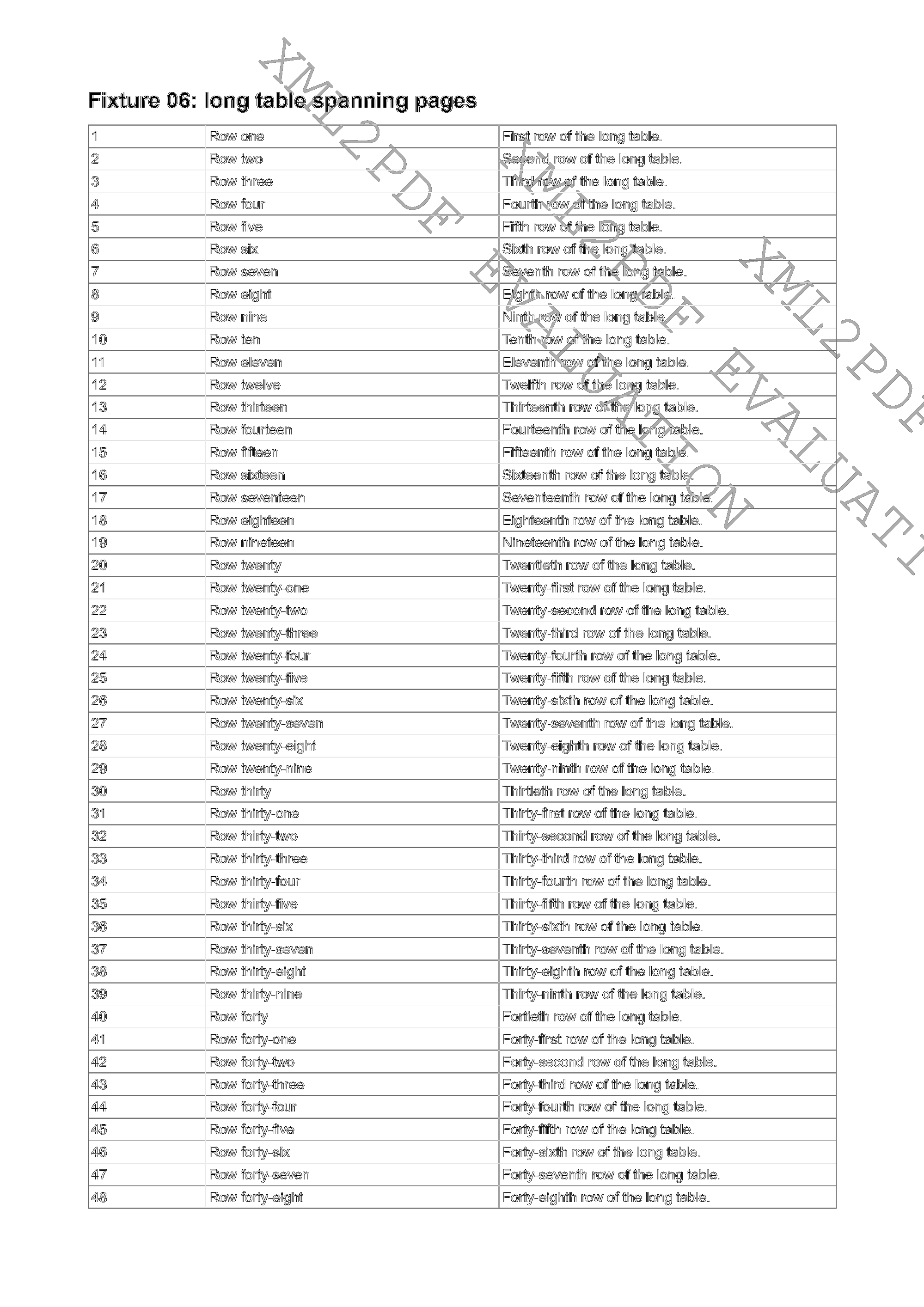
Long tables
A table longer than a page continues onto the second page instead of being truncated.
- Fixture
- 06-long-table.fo
- Page shown
- Page 1 of 2
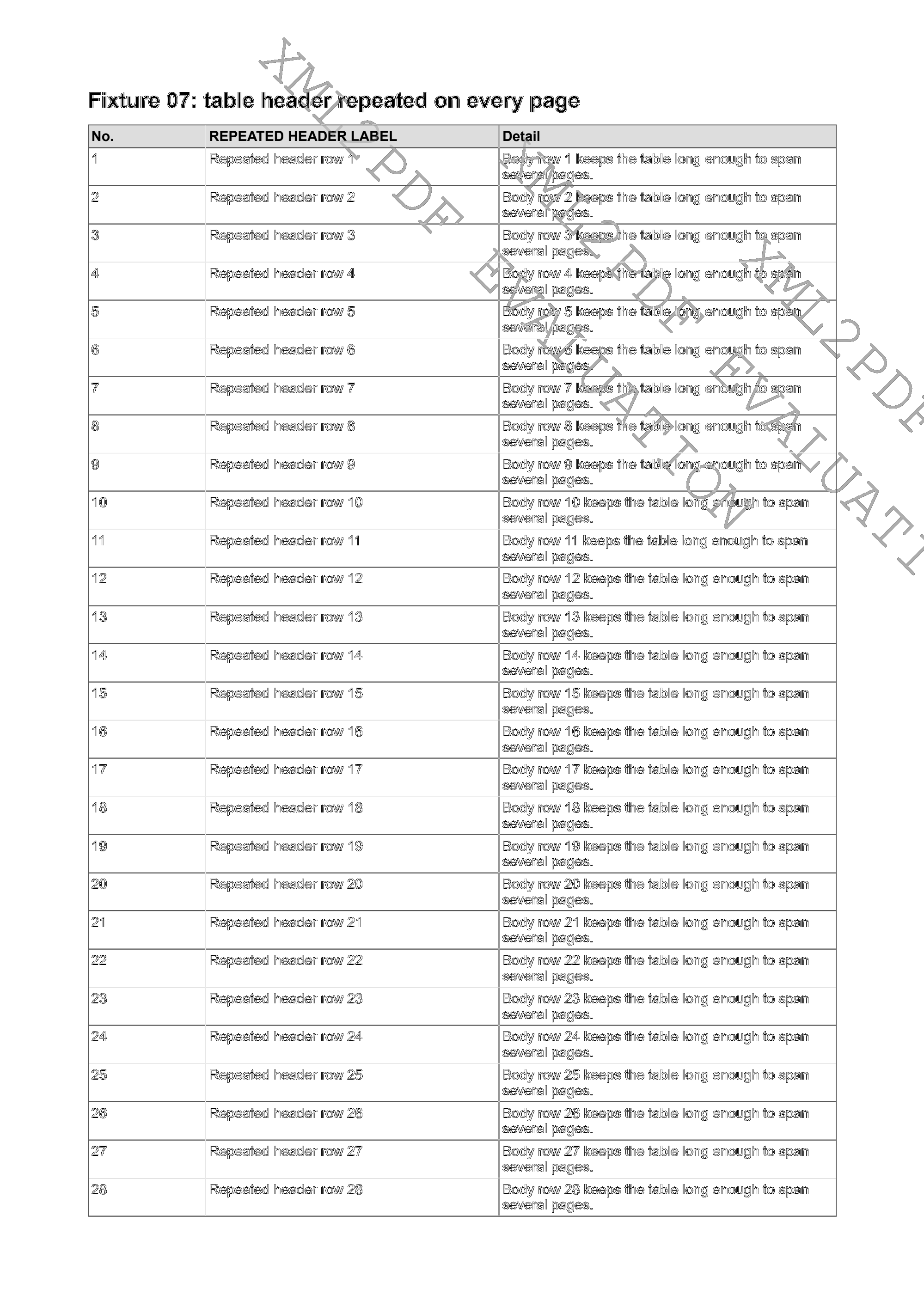
Repeated header rows
The table header is repeated at the top of the second page the table continues onto.
- Fixture
- 07-repeated-table-header.fo
- Page shown
- Page 1 of 2
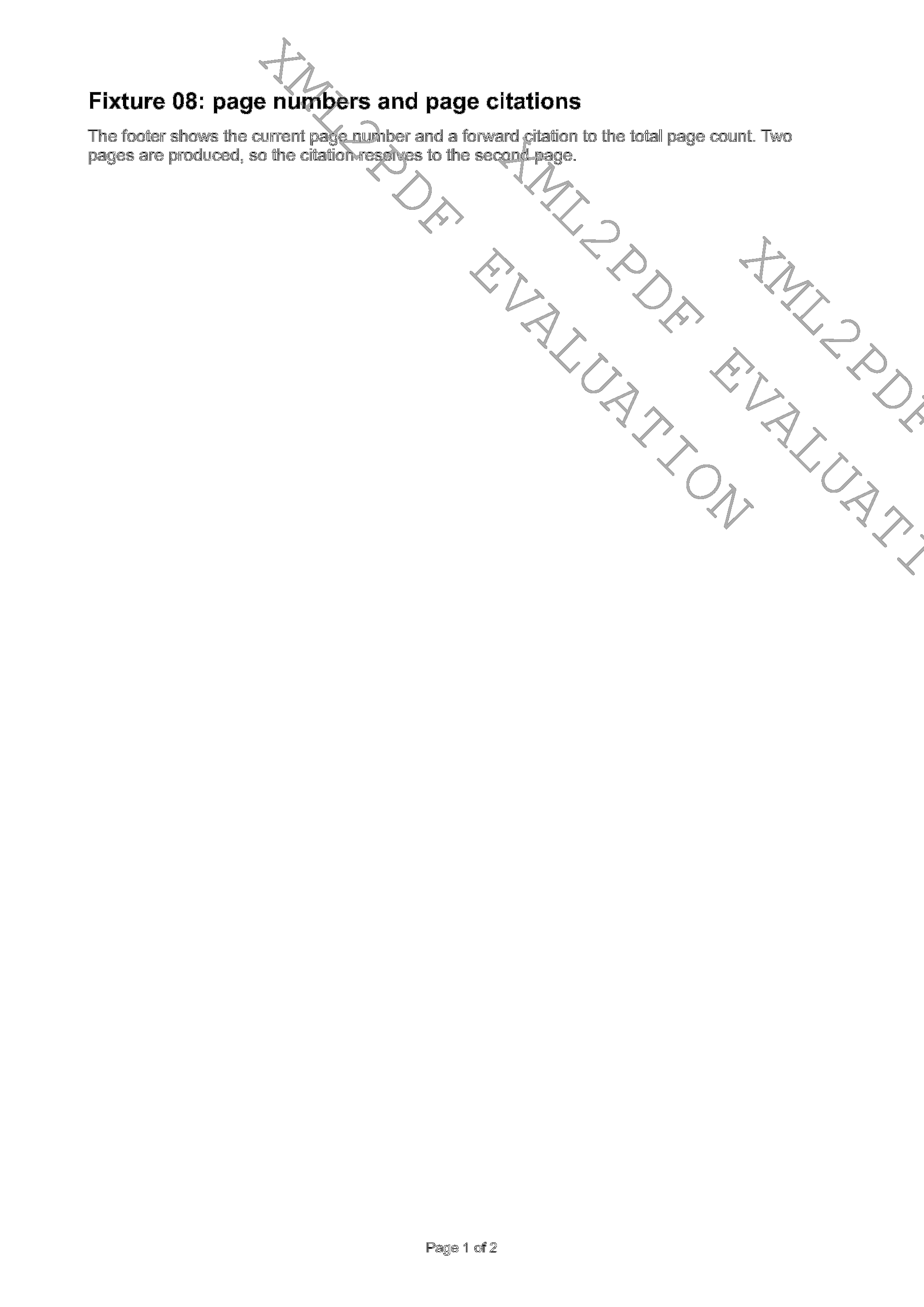
Page numbers
Page-number markers resolve in the footer region of the page.
- Fixture
- 08-page-numbers.fo
- Page shown
- Page 1 of 2
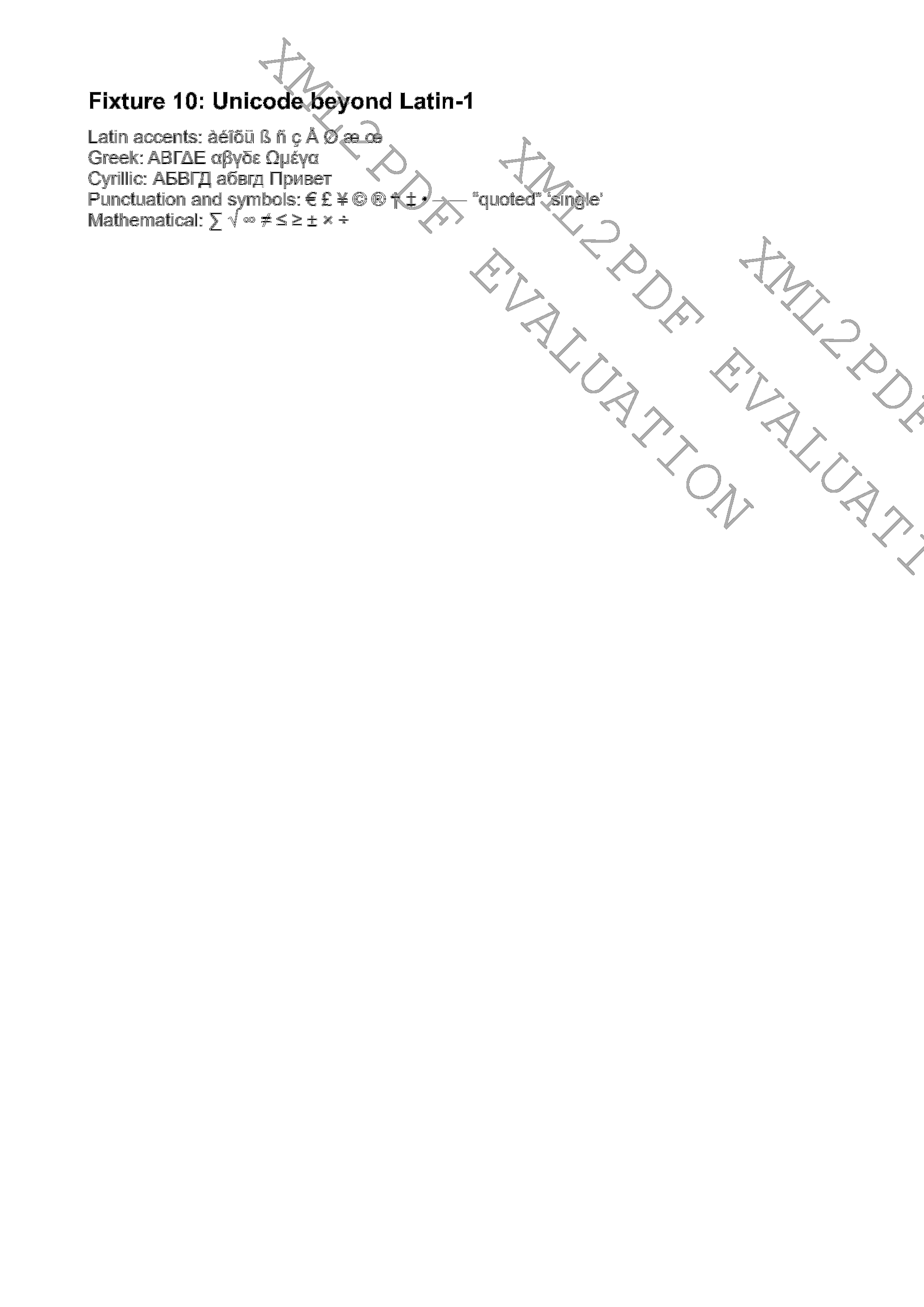
Unicode beyond Latin
Text outside Latin-1, rendered with the fonts the host provides.
- Fixture
- 10-unicode-beyond-latin.fo
- Page shown
- Page 1 of 1
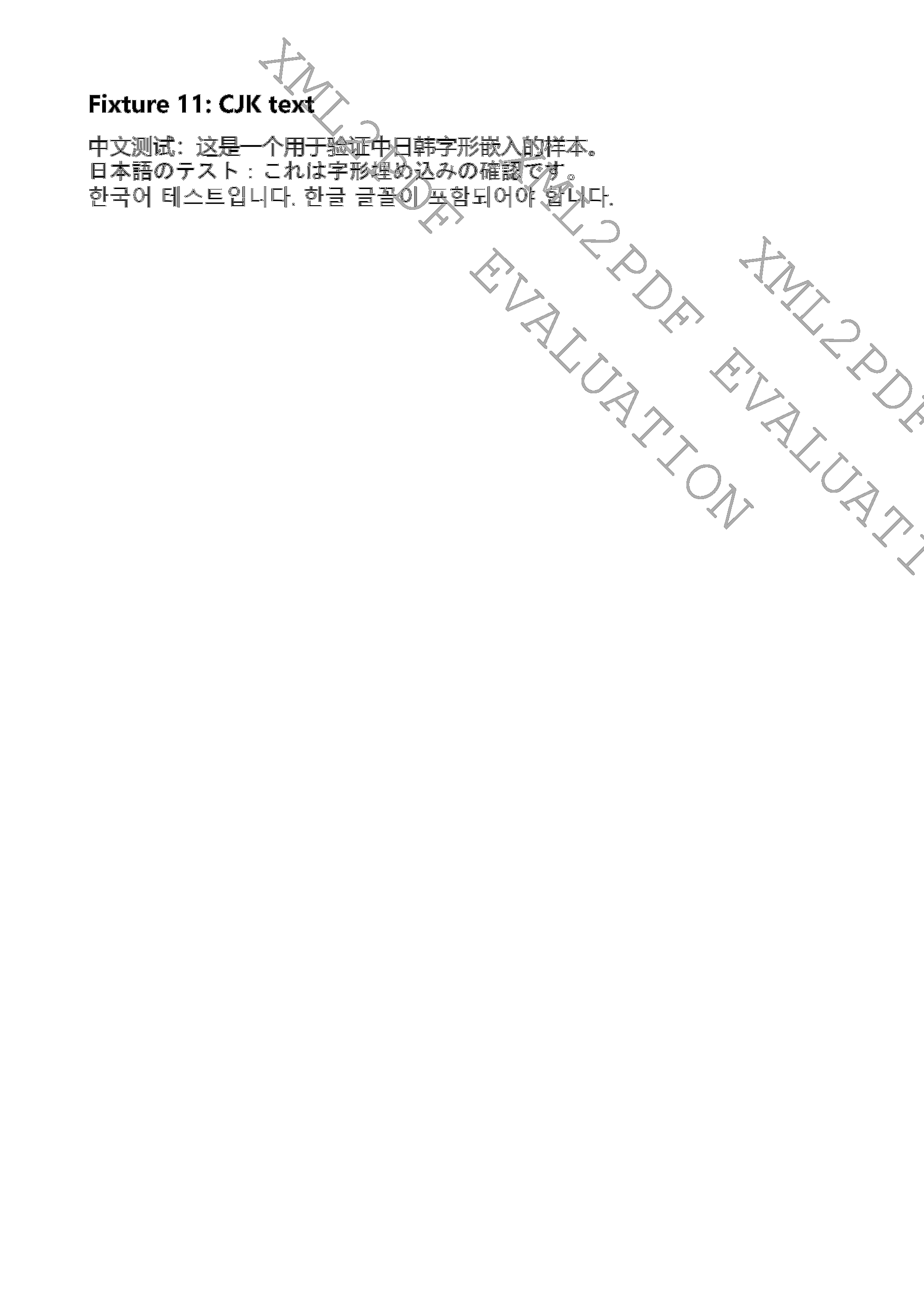
CJK text
Chinese, Japanese and Korean glyphs on one page, rendered on this host. Glyph identity follows the fonts installed on the machine that renders the document.
- Fixture
- 11-cjk.fo
- Page shown
- Page 1 of 1
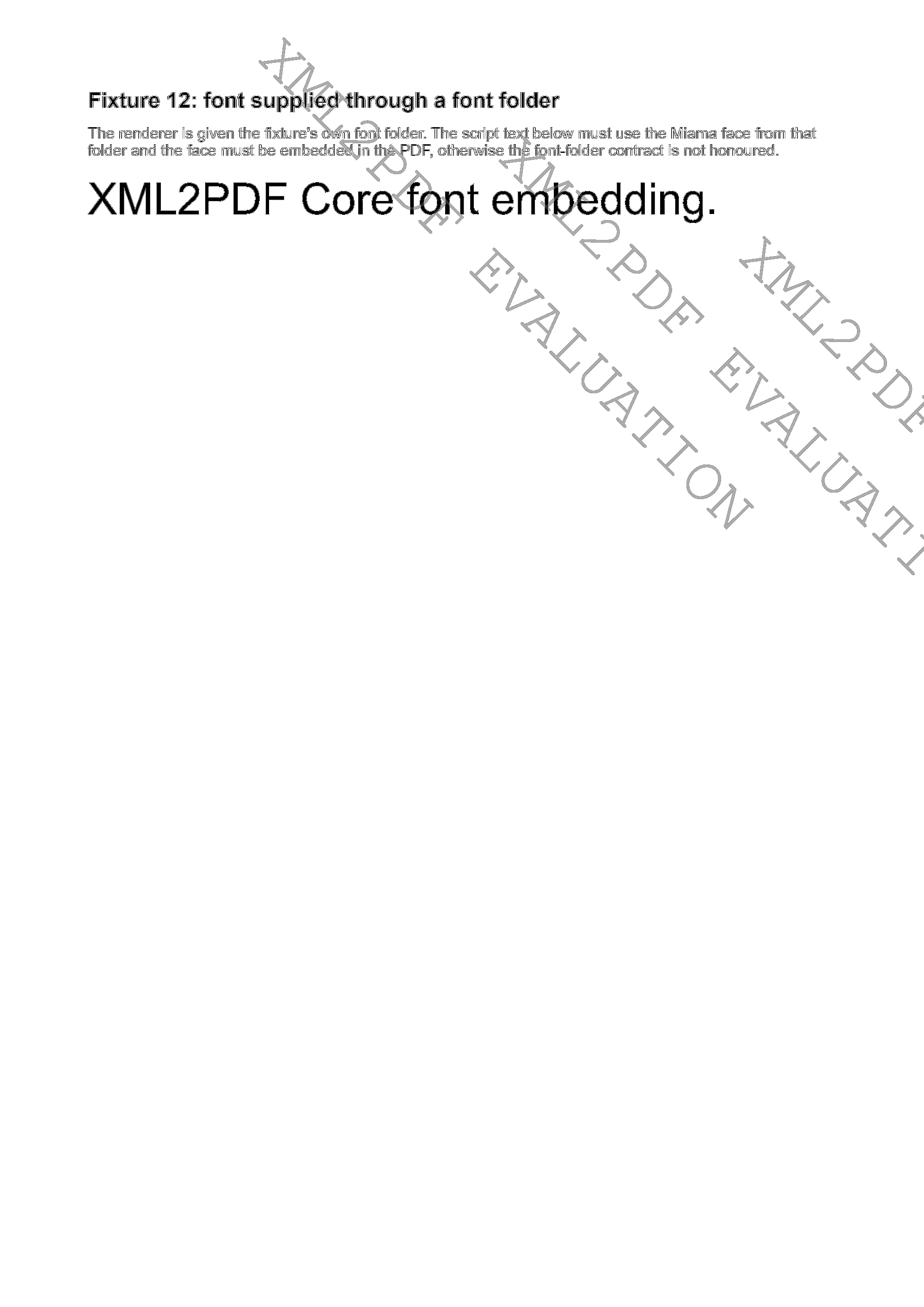
Embedded font
Fonts used by the document travel inside the PDF, so it renders on a machine that lacks them.
- Fixture
- 12-embedded-font.fo
- Page shown
- Page 1 of 1
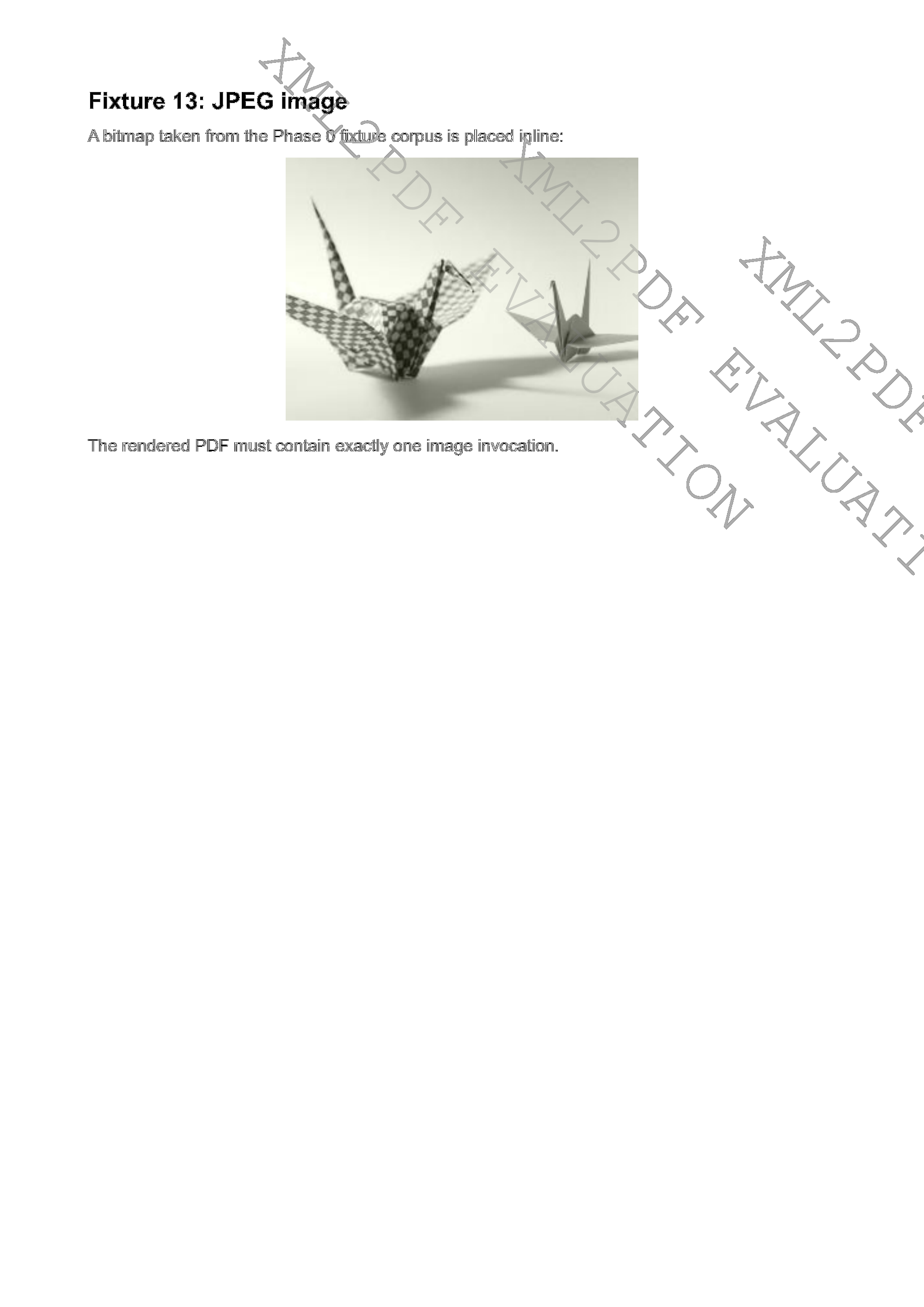
JPEG images
A JPEG placed in the flow and drawn into the page at its declared size.
- Fixture
- 13-image-jpeg.fo
- Page shown
- Page 1 of 1
Internal and external links
Link targets inside and outside the document become annotations in the PDF.
- Fixture
- 15-links.fo
- Page shown
- Page 1 of 2
Run the corpus yourself
Point the Evaluation build at your own documents and compare the pages with your current engine.


Tutorial
Learn XSL-FO
Every fixture above is a document written in XSL-FO. These chapters explain the markup behind each one — read the chapter, then open the fixture and compare the page.
- 01-simple-a4XSL-FO document structure
- 03-a4-landscapePages in XSL-FO
- 05-multipageFlow and static content
- 06-long-tableTables in XSL-FO
- 07-repeated-table-headerTables in XSL-FO
- 08-page-numbersPage numbers
- 10-unicode-beyond-latinFont and text attributes
- 11-cjkFont and text attributes
- 12-embedded-fontFont and text attributes
- 15-linksLinks in XSL-FO